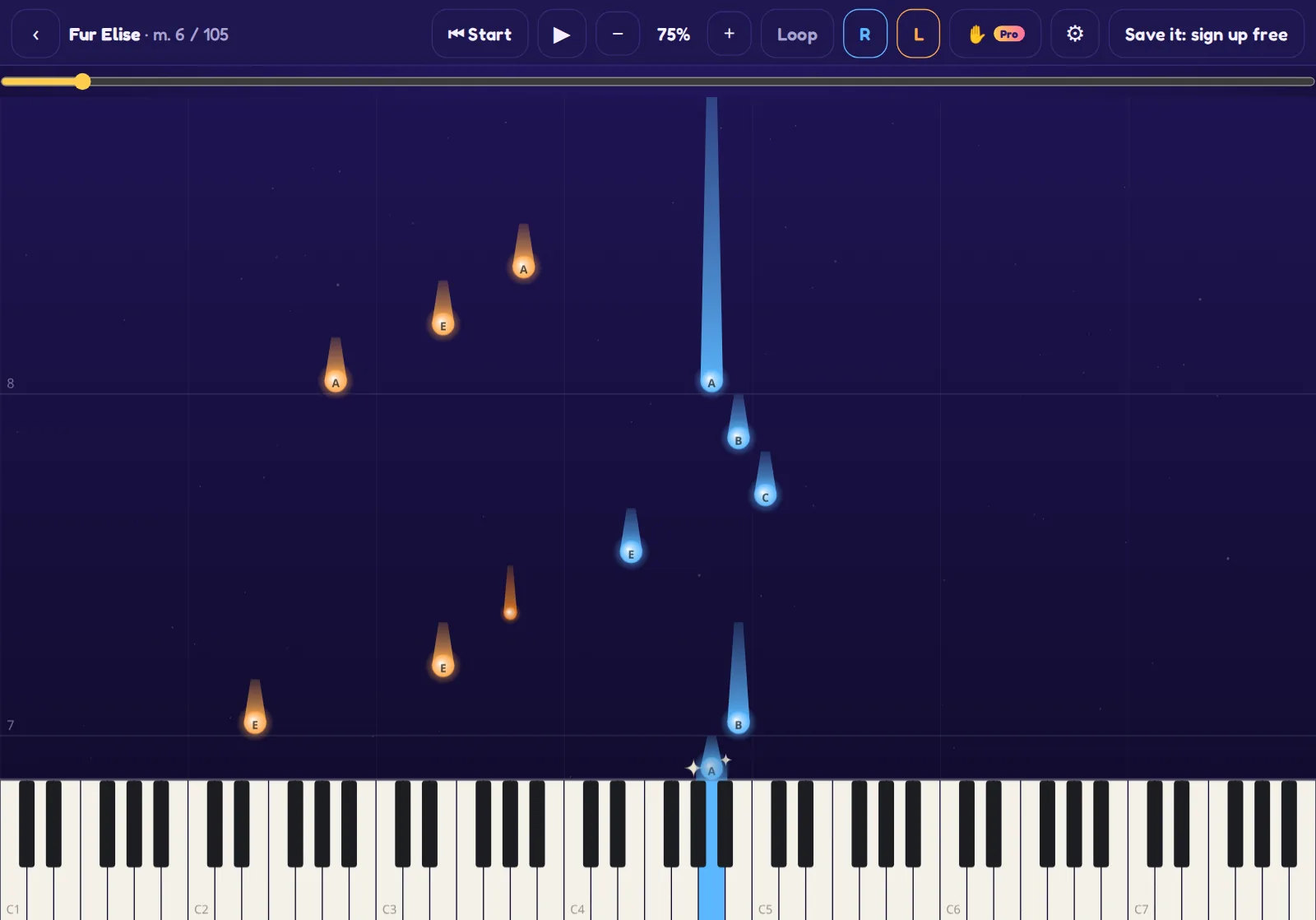
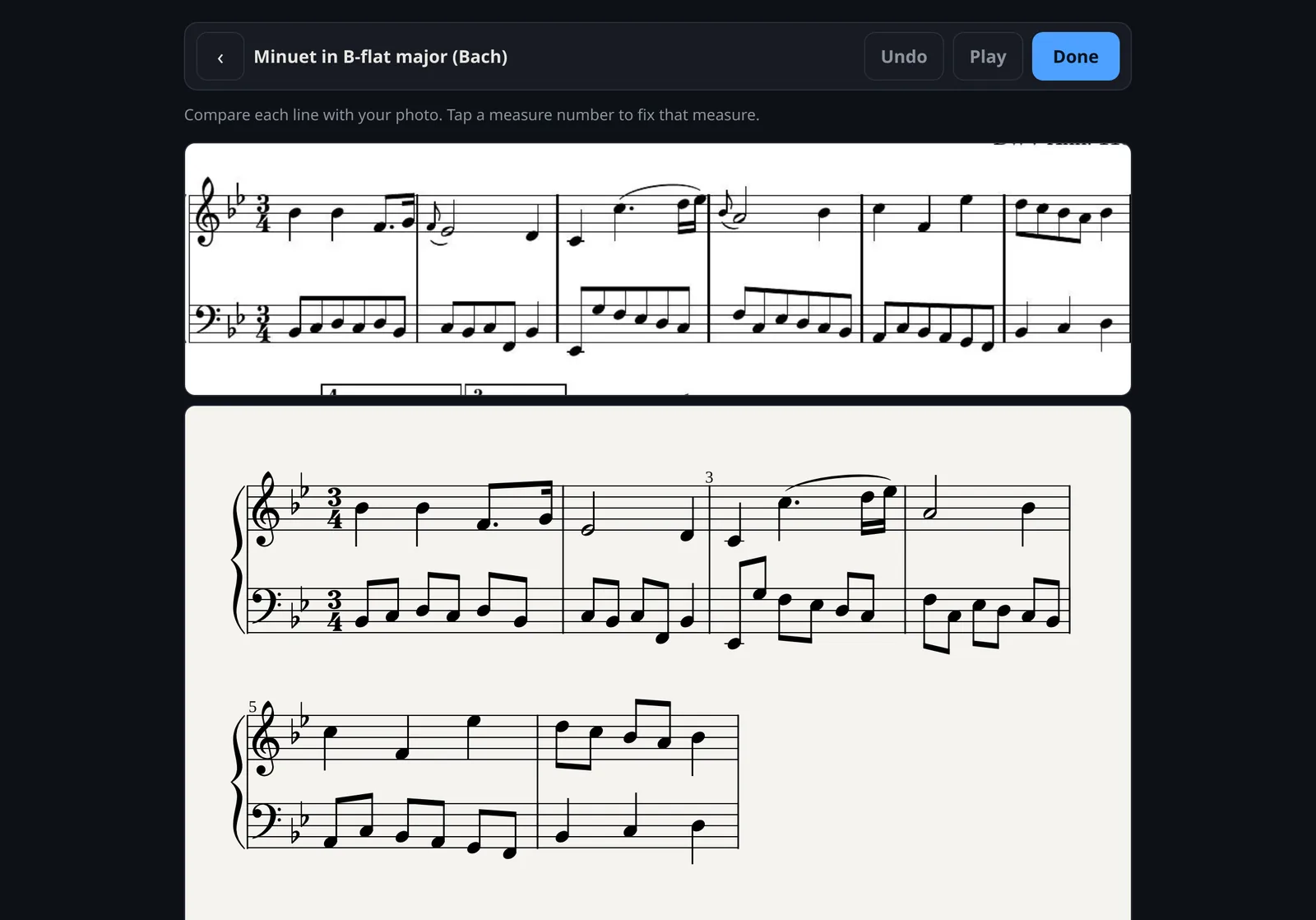
Take a photo of a piece from a book, or scan a PDF. NoteComet reads it and turns it into falling notes. If anything is misread, fix it in the built-in editor.
Hand guide
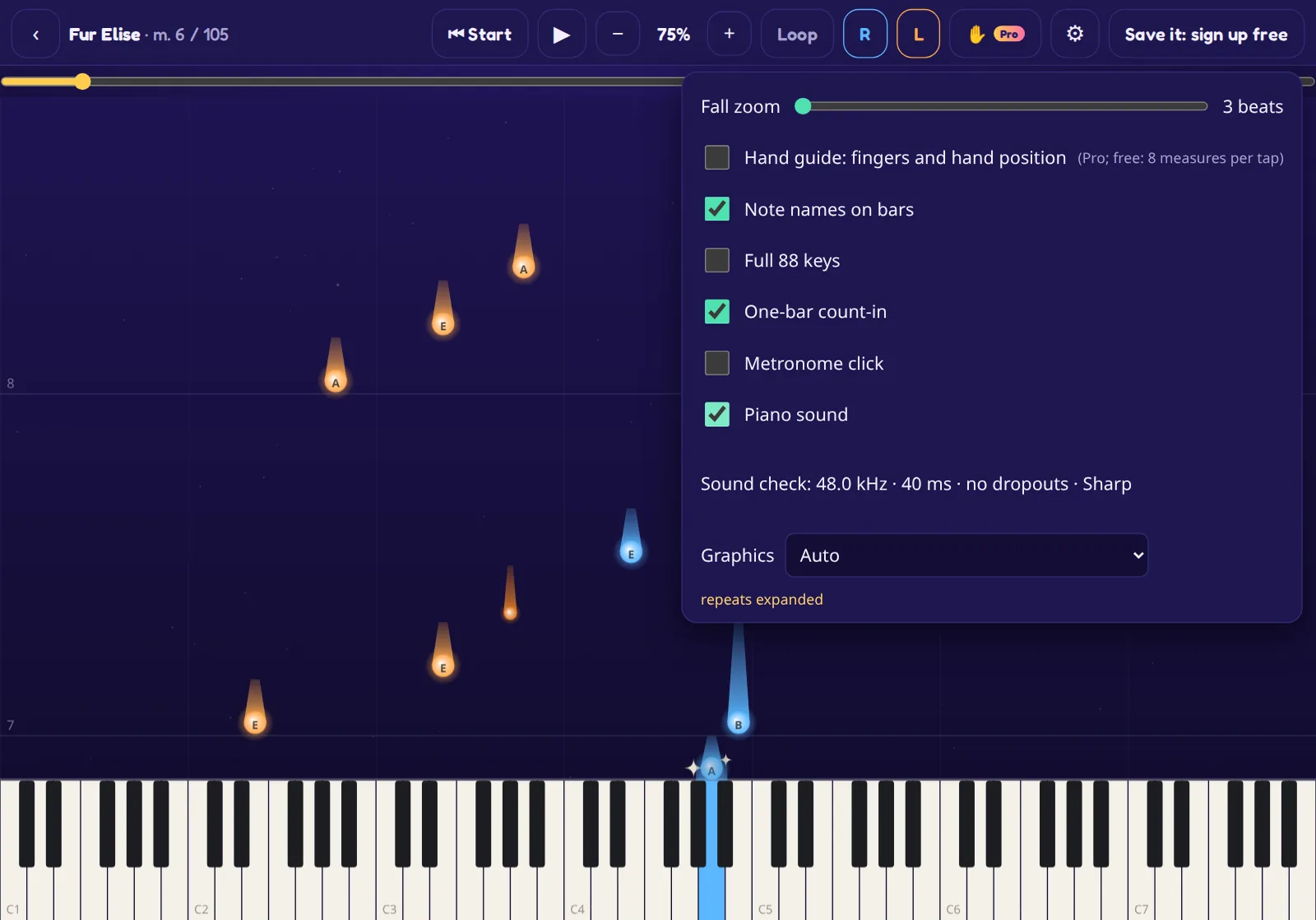
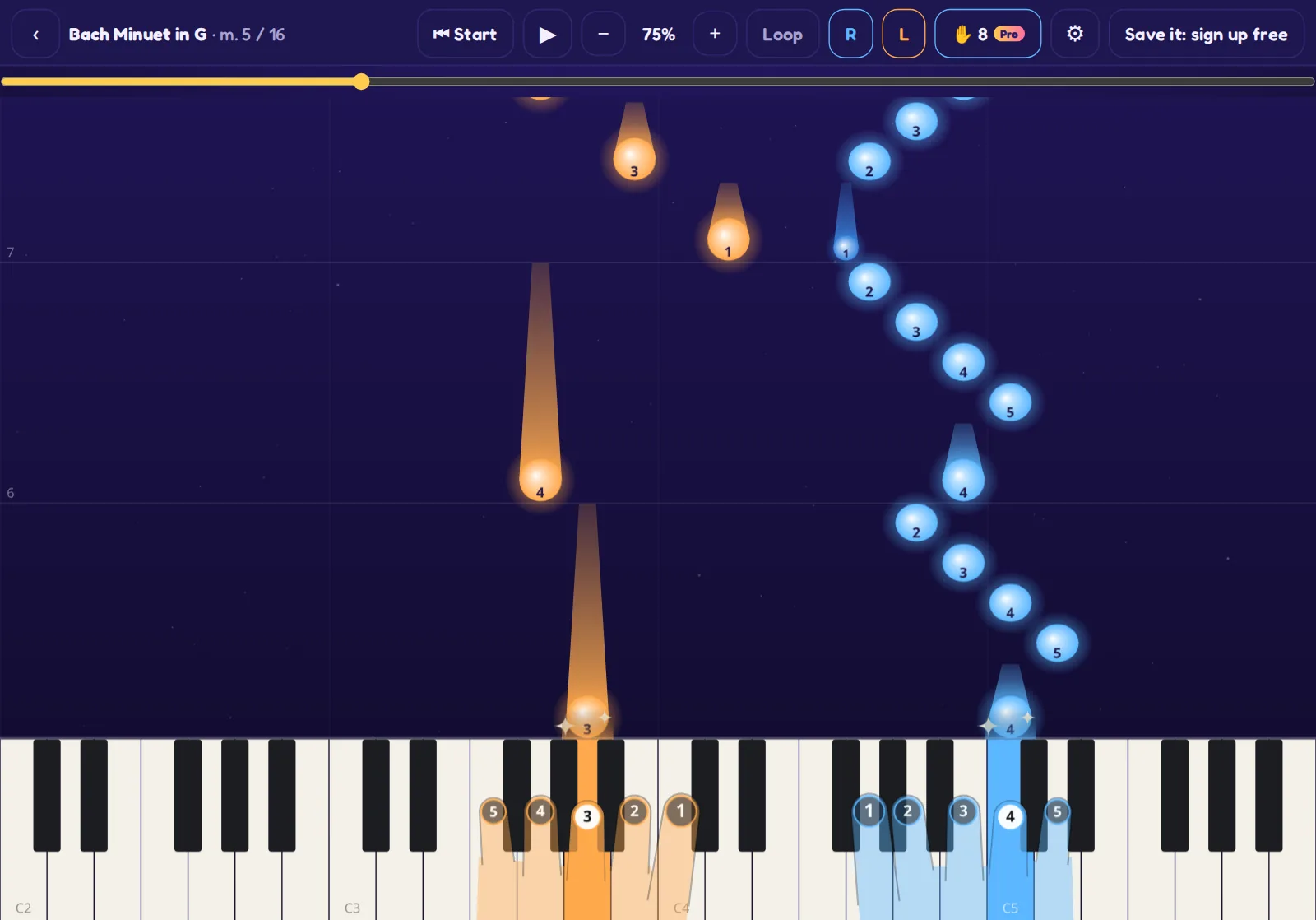
A see-through hand sits on the keys and shows which finger plays each note. Before the next notes land, it moves to where your hand needs to go, and the finger numbers ride on the falling notes. The fingering is worked out for every piece, the way a teacher would pencil it in. Free accounts can switch it on for 8 measures at a time.
Snap a photo or PDF of any score and turn it into falling notes.
Fix any misread note with the built-in editor.
Hand guide: a see-through hand shows which finger plays each note and where your hand goes next.
My son was learning a new piece on the piano, and the start was the hard part: working out the notes on the page, finding them on the keys, and getting both hands to agree.
So I built NoteComet. We put his piece in, slowed it right down and let him learn one hand at a time while the notes fell onto the keys. It helped him learn the piece much faster, and he was really playing it much sooner than he would have from the page alone.
That's what NoteComet is for: getting you from "I'd like to play this" to actually playing it, quickly. Then the sheet music starts to make sense too.
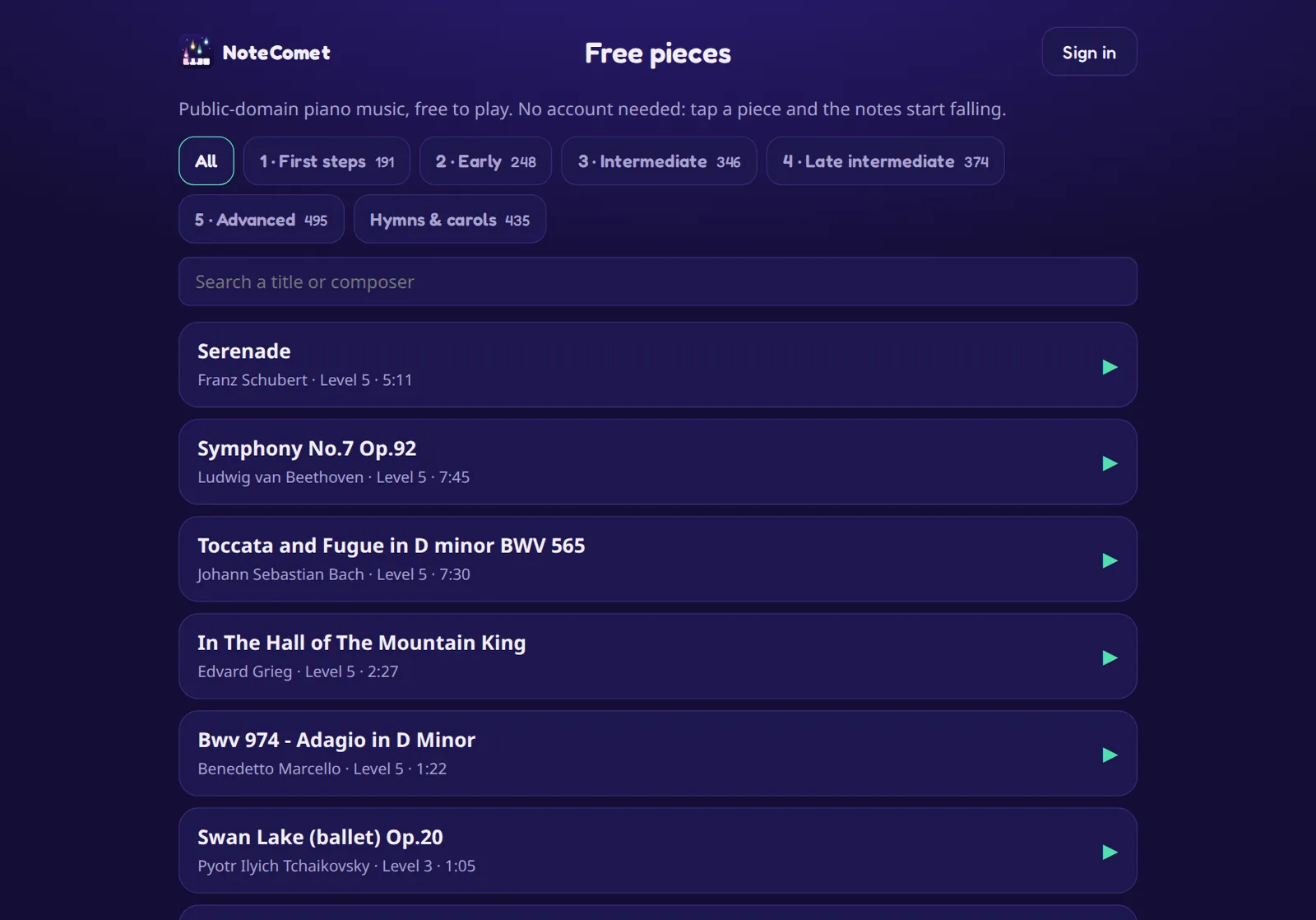
Yes. The whole free library is free to play, and a basic account is free too. An account lets you keep your own pieces and add free ones to a personal library.
Do I need an account?
No, not to play the free library. You only need an account to save your own pieces, add free ones to a personal library, or use Pro features like reading scores from photos.
What devices work?
NoteComet runs in the browser. It works best on an iPad, and works on other tablets, computers and phones too. You can add it to the home screen for a full-screen feel.
Do I need a real piano or keyboard?
You don't need a piano to try a piece, but it's much more fun to play it on a piano or keyboard while you watch the falling notes. Any piano or keyboard works.
What is Pro?
Pro reads a photo or PDF of any score into falling notes (20 reads a month), with a fix-it editor to correct misread notes. Pro is $1.99 a month or $19.99 a year, and you can cancel any time.
Can I cancel Pro?
Yes, any time, from the account page. Your subscription keeps working until the end of the period you've already paid for.
Where do the free pieces come from?
From public-domain sources such as the Mutopia Project and PDMX. Each piece page names the source and the licence.